The main job
Serve two people at once: the one at a desk deciding whether the event is worth a ticket, and the one in a venue corridor looking for the next talk.
What it does
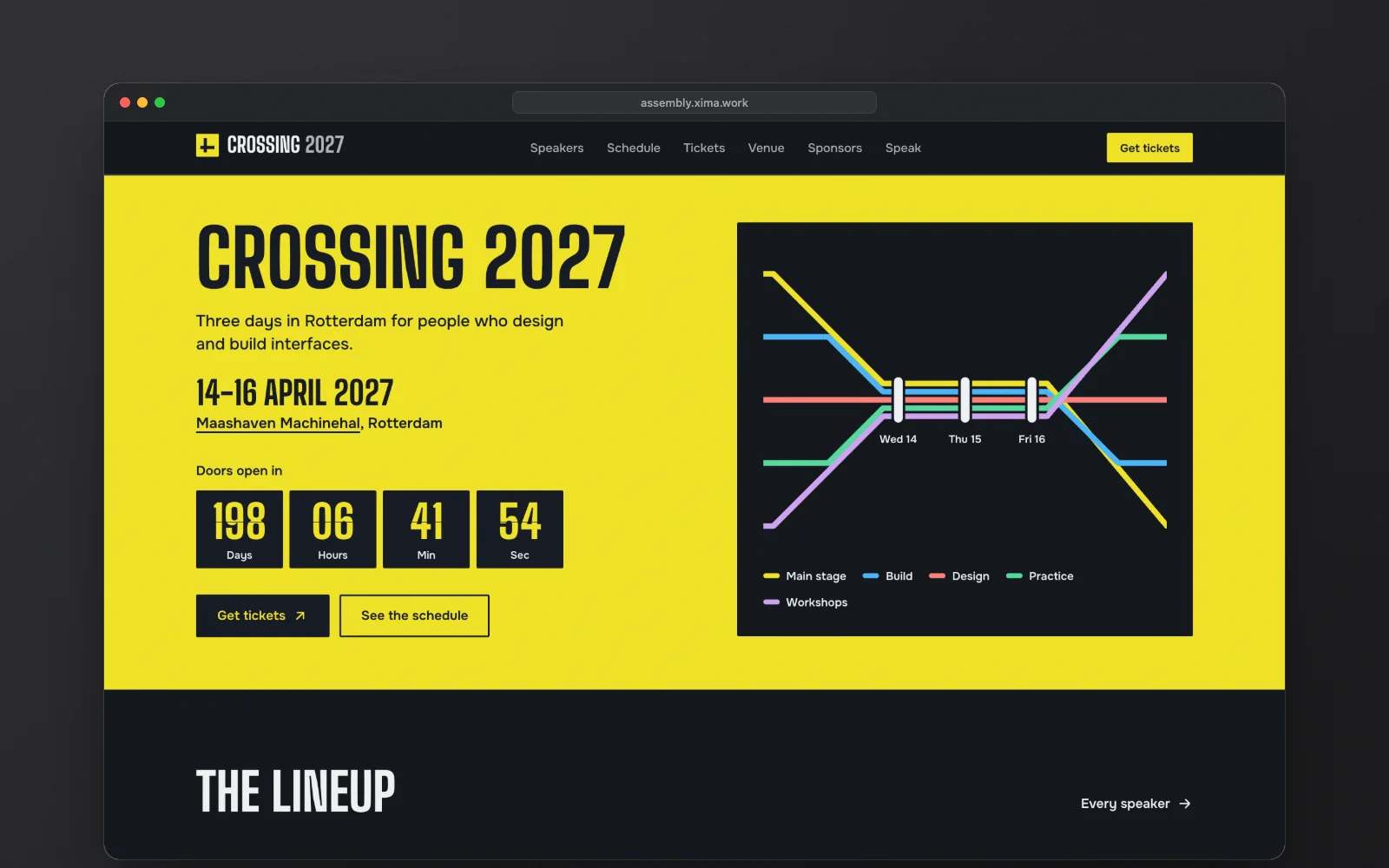
- Presents speakers, talks, tickets, the venue, sponsors and a call for papers.
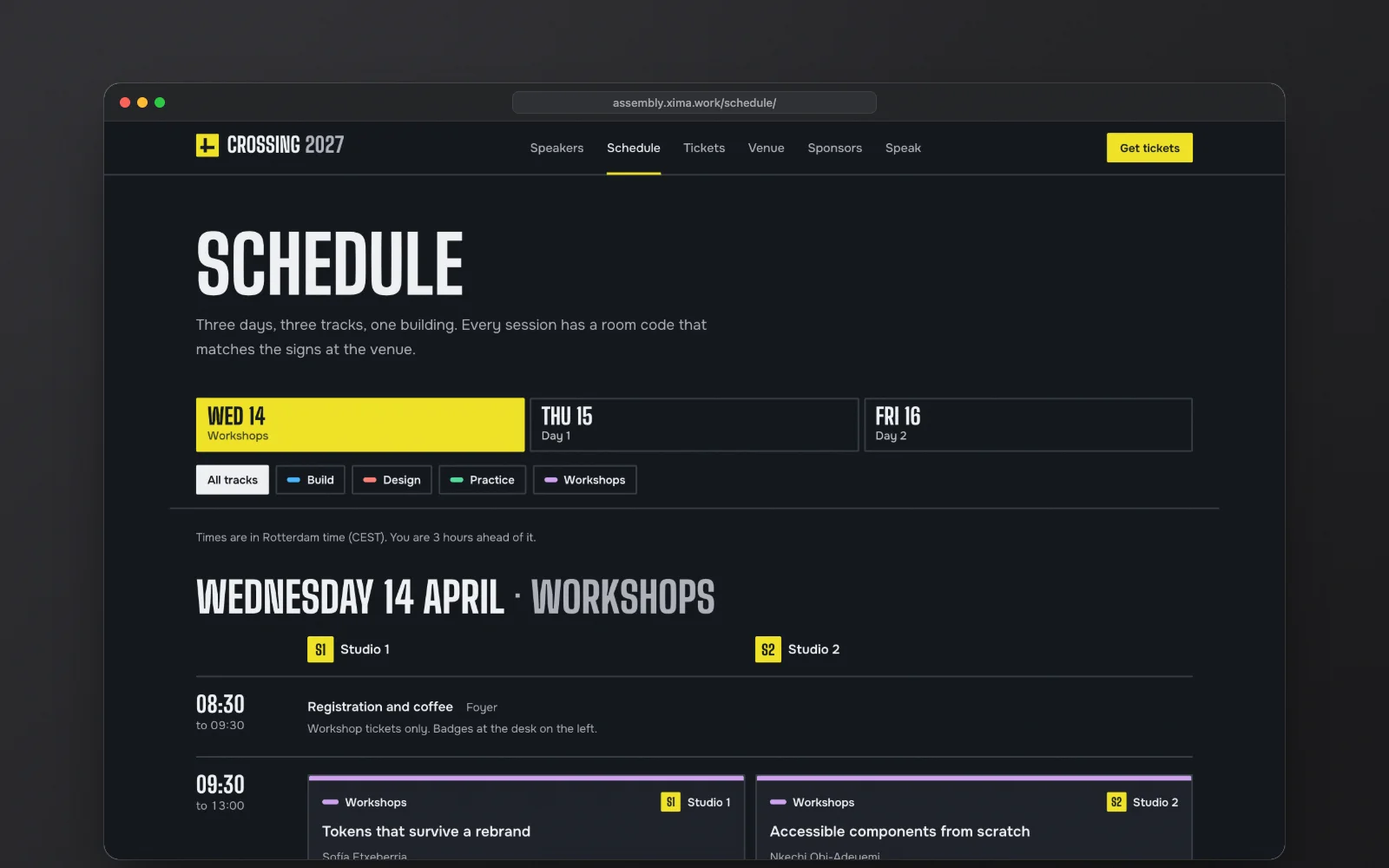
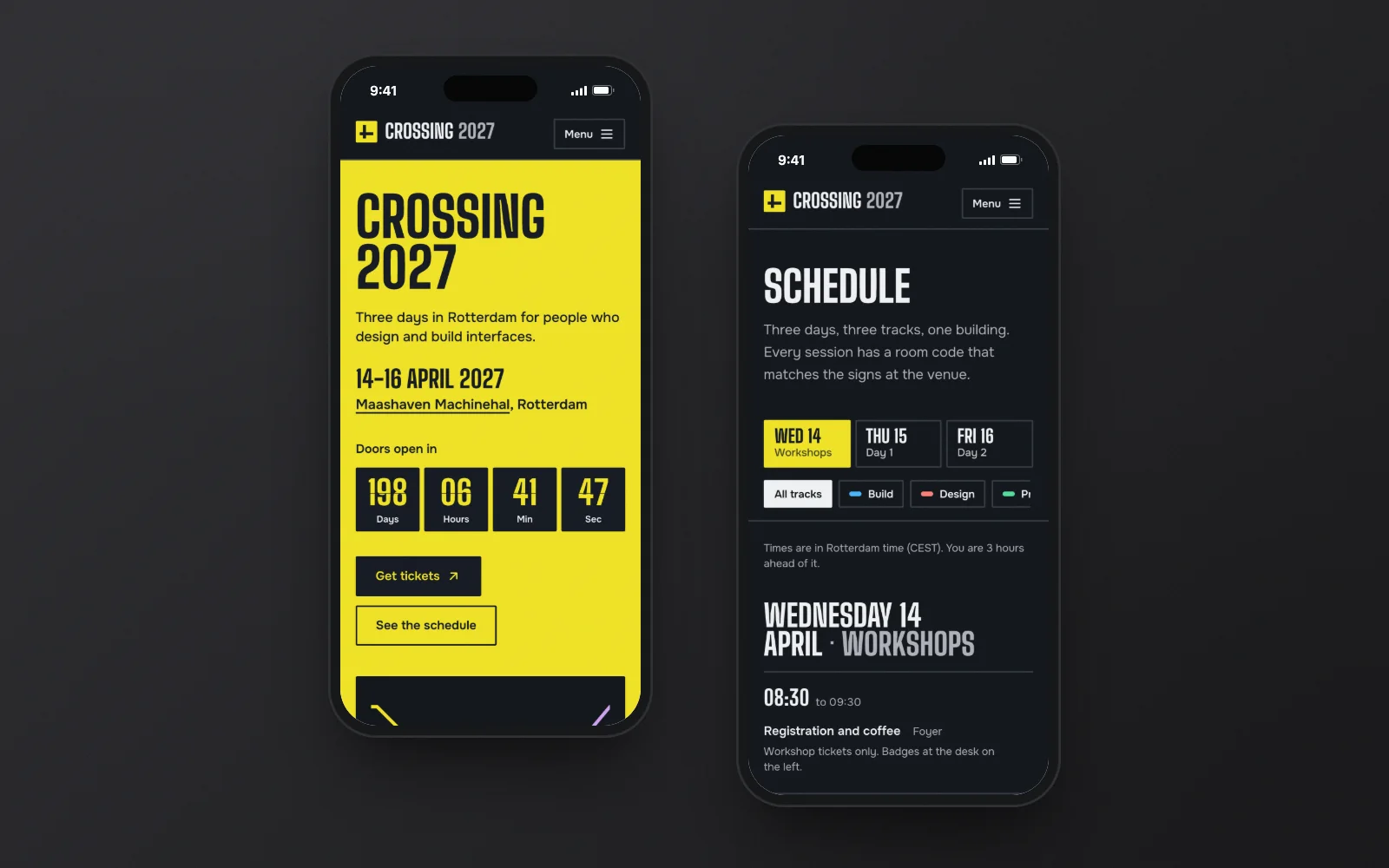
- Shows a schedule by day, track and room, marks what is on now and what is next, and jumps to the current moment.
- Counts down to doors-open, then shows a “Now” strip on every page during the event.
- Gives each talk a calendar file and a floor plan with its room highlighted.
- Handles ticket states such as on sale and sold out, and opens and closes the call for papers by date.
Who it is for
Tech and design conferences, recurring meetups, festivals, summits and workshop days. A one-day, one-track meetup fits too, because the schedule adapts to it.
Why it is worth it
- The schedule stays readable without JavaScript, with every day on the page.
- You can preview how the site will look during the event before it starts.
- Past editions have an archive, so a yearly event keeps its history in one place.
- The event, timezone, tracks, tickets and dates all live in one settings file.
Before you launch
The demo event and its people are fictional. Point the ticket buttons at your ticketing page, and run a daily rebuild during the season, because ticket and countdown states are worked out at build time. A yearly event with its past editions counts as one website. One purchase covers one website. See the licence terms.
Questions before buying
Can I use a theme for a client's site?
Yes. One purchase covers one website, your own or a client's. For another site, buy the theme again.
What if the theme is not right for me?
Write to us within 14 days of purchase and we will refund the payment in full.
How do I pay?
Checkout runs through Polar, the merchant of record: it takes the card payment, issues the invoice and handles VAT and sales tax.
What do I get after paying?
A download of the complete Astro project: source code, demo content, assets, README, licence and changelog. It installs and builds on its own.
Do I need to be a developer?
You need to be comfortable editing text files and running a couple of commands. Settings and copy live in plain data files, and the README walks through deploying to Vercel, Netlify or Cloudflare Pages.
Is there support?
Yes, with setting up and understanding the theme: write to @mirikhan1 on Telegram. Custom development and content migration are not included.