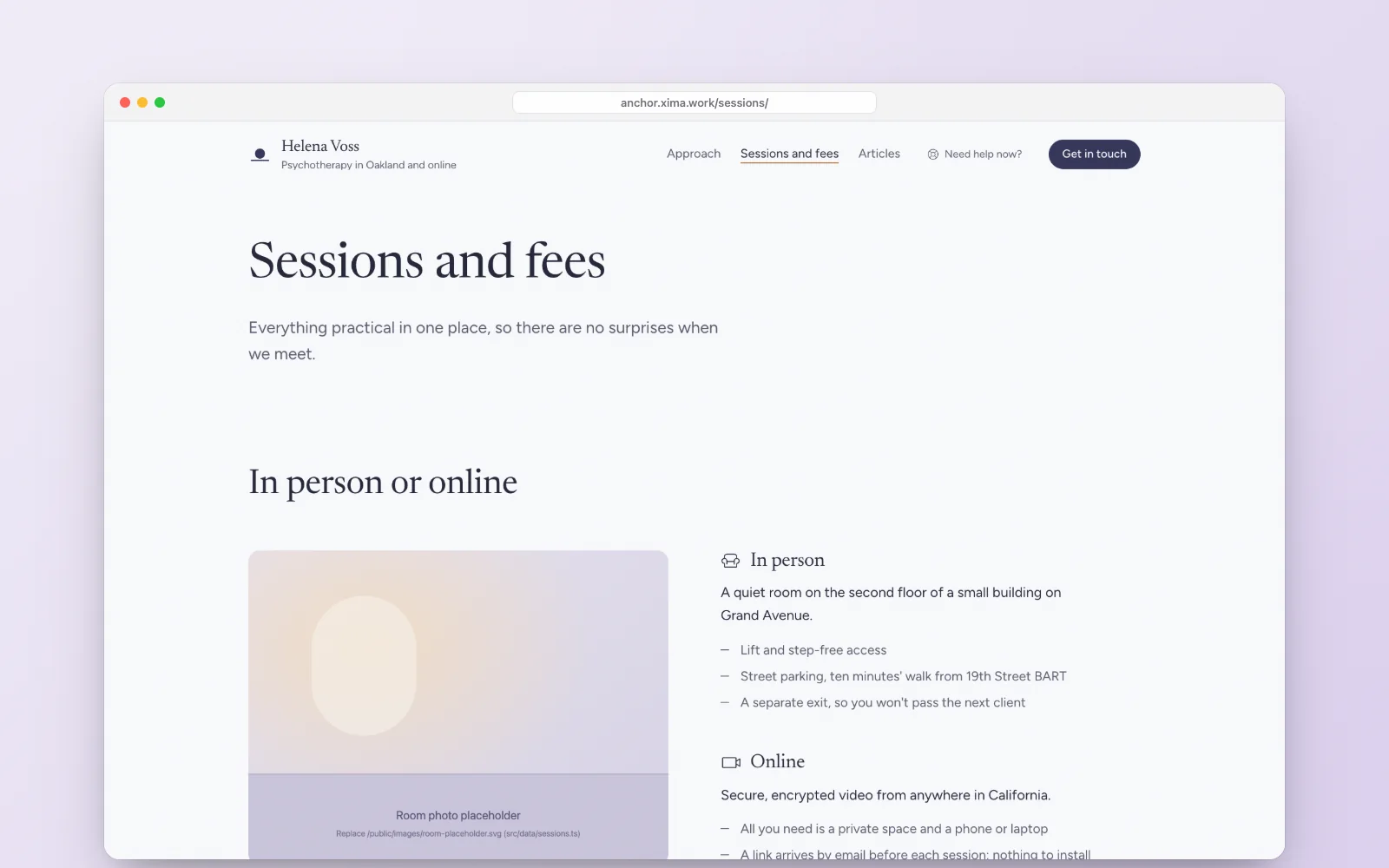
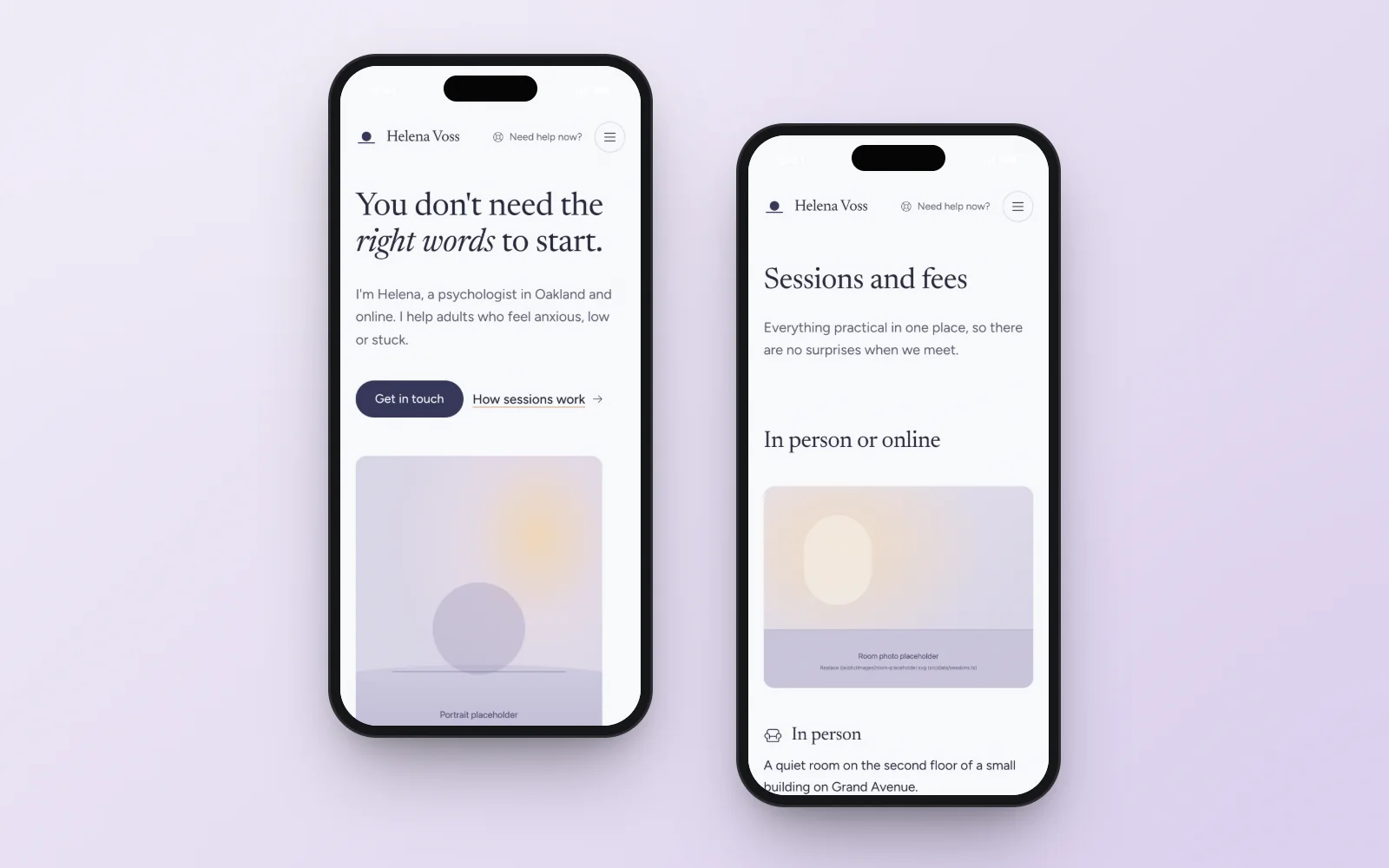
The main job
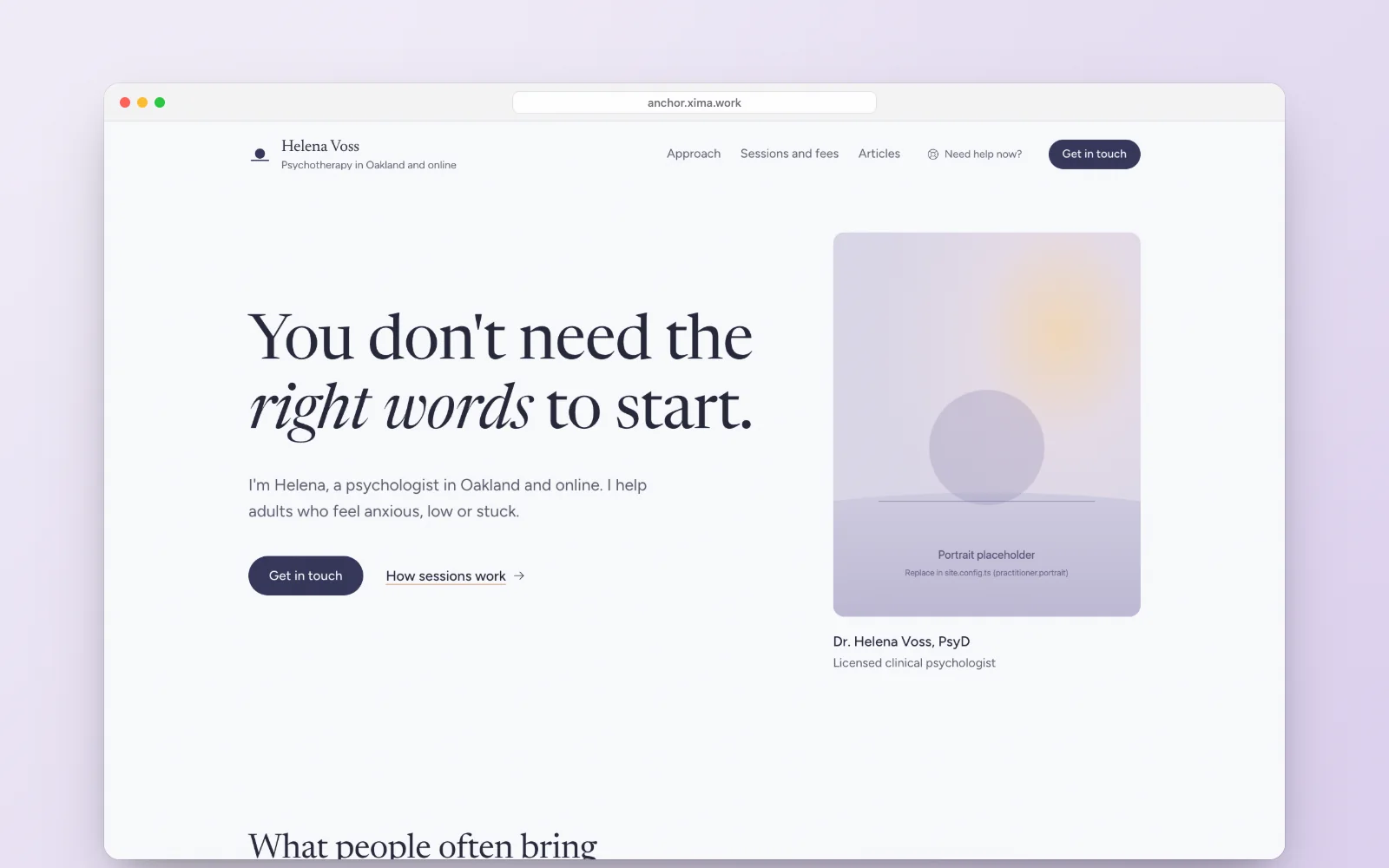
Help someone who is anxious, often on a phone late at night, feel safe enough to write to a therapist for the first time.
What it does
- Explains your approach, your sessions, fees and insurance in plain language, and answers the common questions.
- Shows urgent-help numbers at the foot of every page, so nobody in crisis has to search for them.
- Keeps the first step small: the contact form asks for a name and an email.
- Walks people through what happens, in four steps, from the first message to the first appointment.
- Offers a one-minute breathing guide on the contact page. It starts only when pressed.
Who it is for
Solo psychologists and psychotherapists, counsellors, couples and family therapists, and group practices of two or three clinicians, whether they see clients in person, online or both.
Why it is worth it
- Nothing flashes or loops, and the colours dim on their own when the visitor’s phone is in dark mode.
- Works for online-only practices: leave the street address empty and the address block disappears.
- Your details, crisis numbers and colours live in one settings file, and sections switch on and off.
- Search setup, sitemap and RSS are done. Analytics stay off until you add an id.
Before you launch
The practitioner, prices and address in the demo are fictional, and the photos are placeholders. The crisis numbers are for the United States, so swap in the services where your clients live, and have the privacy page checked against the rules you work under. One purchase covers one website. See the licence terms.
Questions before buying
Can I use a theme for a client's site?
Yes. One purchase covers one website, your own or a client's. For another site, buy the theme again.
What if the theme is not right for me?
Write to us within 14 days of purchase and we will refund the payment in full.
How do I pay?
Checkout runs through Polar, the merchant of record: it takes the card payment, issues the invoice and handles VAT and sales tax.
What do I get after paying?
A download of the complete Astro project: source code, demo content, assets, README, licence and changelog. It installs and builds on its own.
Do I need to be a developer?
You need to be comfortable editing text files and running a couple of commands. Settings and copy live in plain data files, and the README walks through deploying to Vercel, Netlify or Cloudflare Pages.
Is there support?
Yes, with setting up and understanding the theme: write to @mirikhan1 on Telegram. Custom development and content migration are not included.